


Lumea: Paintings & Art
Wake up to a new masterpiece.
Coming soon to theApp Store
 Lumea
Wake up to a new masterpiece.
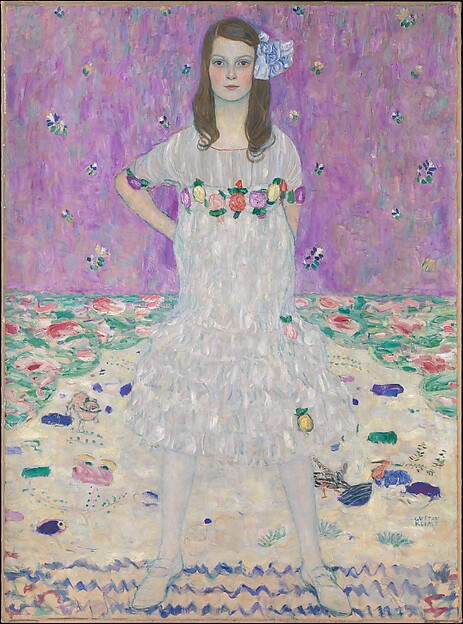
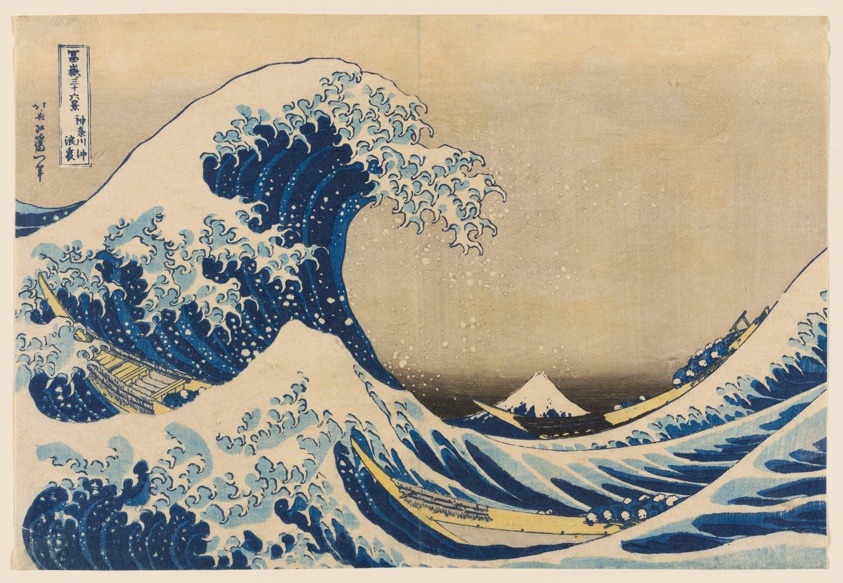
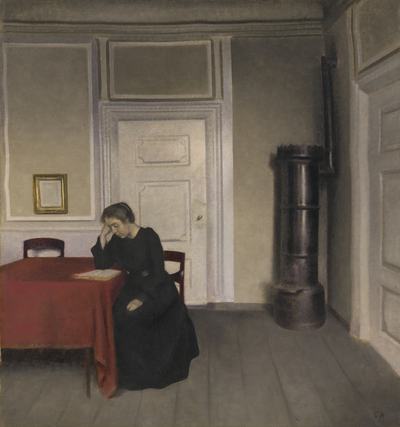
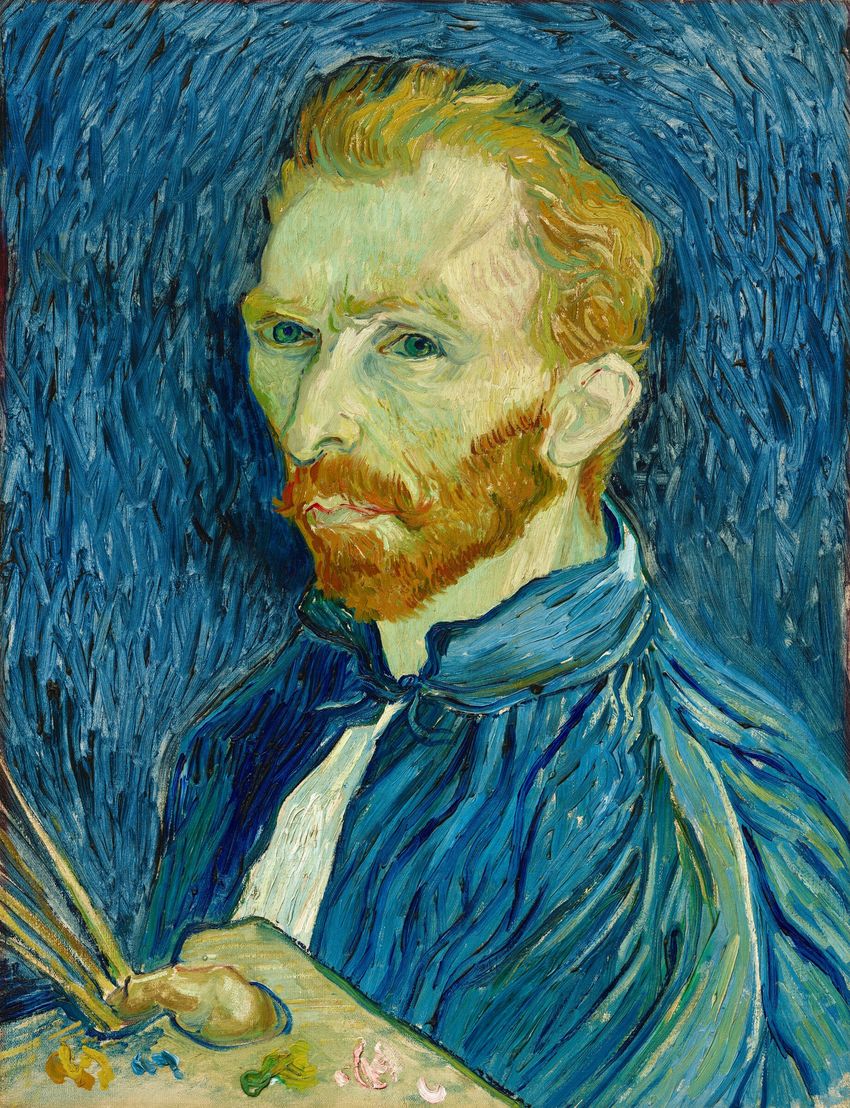
Make your phone a place of beauty. Each day brings something to admire, something to wonder at, and a quiet nudge toward the extraordinary.
Every piece comes from a world-class collection and is shown with its title, who made it and where it lives.
Not a feed, and nothing to scroll. Just one beautiful thing, new each morning.
No ads, no clutter, just the art.
A few taps, then something new every day: in the app, on your Lock Screen, Home Screen and widgets.
Search “Lumea: Paintings & Art” in the App Store.
Follow the short guide in the app to add the Lumea shortcut. It takes about a minute.
Tap to make it your wallpaper, or subscribe to make it automatic.
Use an app that picks a new image each day and sets it for you through Apple’s Shortcuts app. That’s exactly what Lumea does: download a Lumea app, follow its one-minute setup, and something new arrives every morning. Set it with a tap, or subscribe to have it change automatically.
Yes. Apple’s Shortcuts app can change your wallpaper on a schedule, such as every morning or when your alarm stops. With a subscription, Lumea’s step-by-step guide sets this up for you, so a new piece appears without opening the app.
Lumea makes iPhone apps that turn your phone into a place of beauty. The first, Lumea: Paintings & Art, brings you a new masterpiece every day.
Yes. Lumea: Paintings & Art is free to download, with a new piece every day, widgets and one-tap wallpapers. An optional subscription, Gallery Pass, changes your wallpaper automatically each morning and adds extras like saving favorites and choosing what you see.
Any iPhone with iOS 17 or later.
Apple doesn’t let apps change your wallpaper on their own, but its Shortcuts app can. Lumea adds one shortcut to do it for you. You set it up once, in about a minute.
No. Lumea sets a Lock Screen and Home Screen of its own, and you can switch back to yours at any time.
As little as possible. The app has no ads, its usage data is anonymous, and your settings stay on your phone. Subscriptions are handled by Apple. This website uses Google Analytics to see how it’s used. See the Privacy Policy for details.
Open Settings on your iPhone, tap your name, then Subscriptions. Choose Lumea and tap Cancel Subscription.
Visit the Support page and send us a message using the contact form.