 Lumea
 Lumea: Paintings & Art
Seven museums in your pocket.
Wake up to a new masterpiece.
- Museums
- 7world-class museums
- Masterpieces
- 44,000+masterpieces
- Years
- 74years of daily art without a repeat
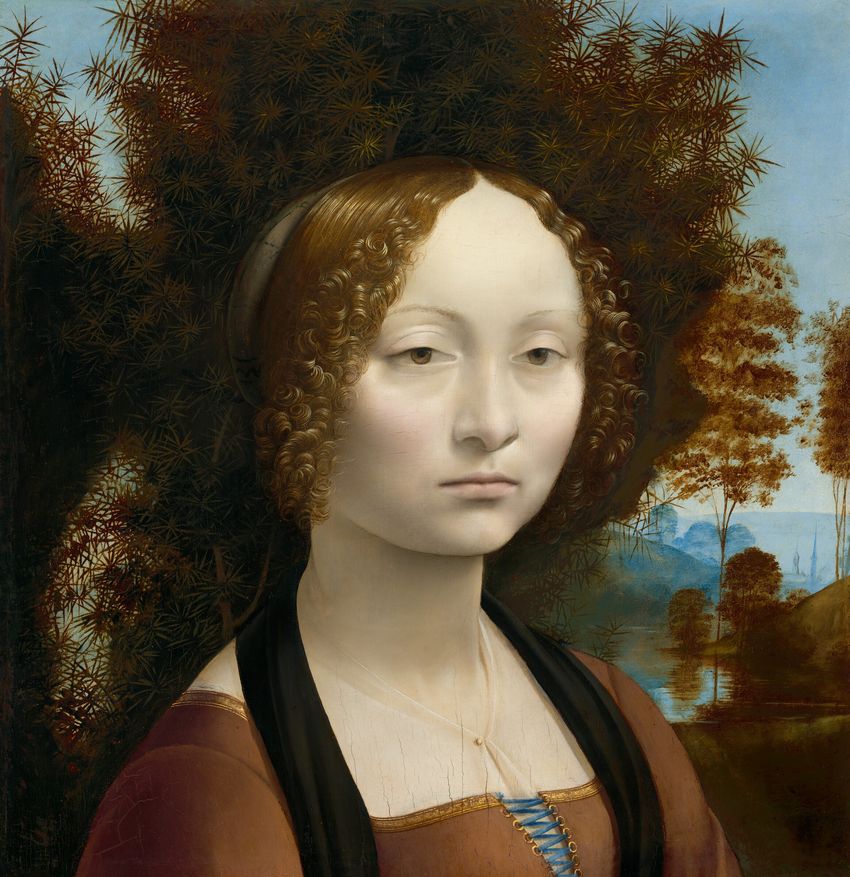
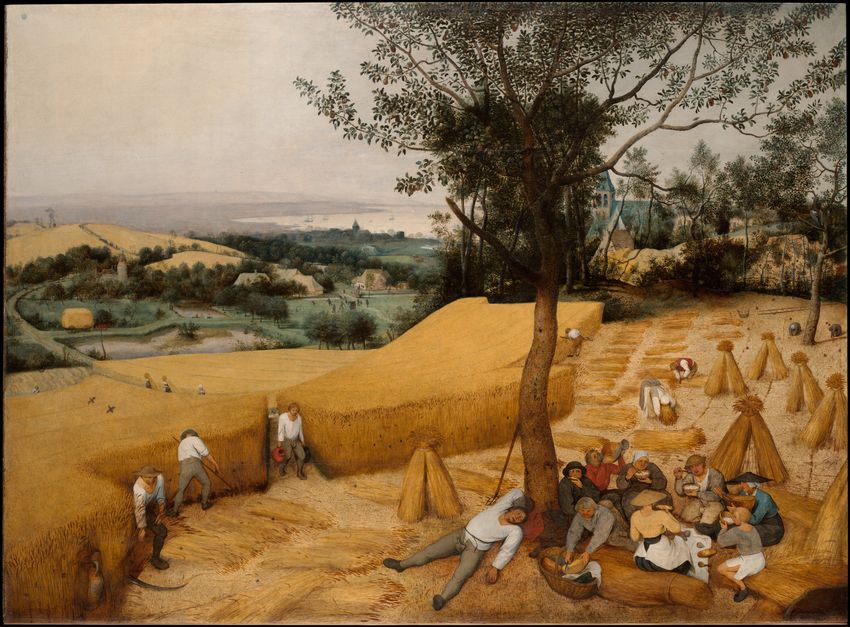
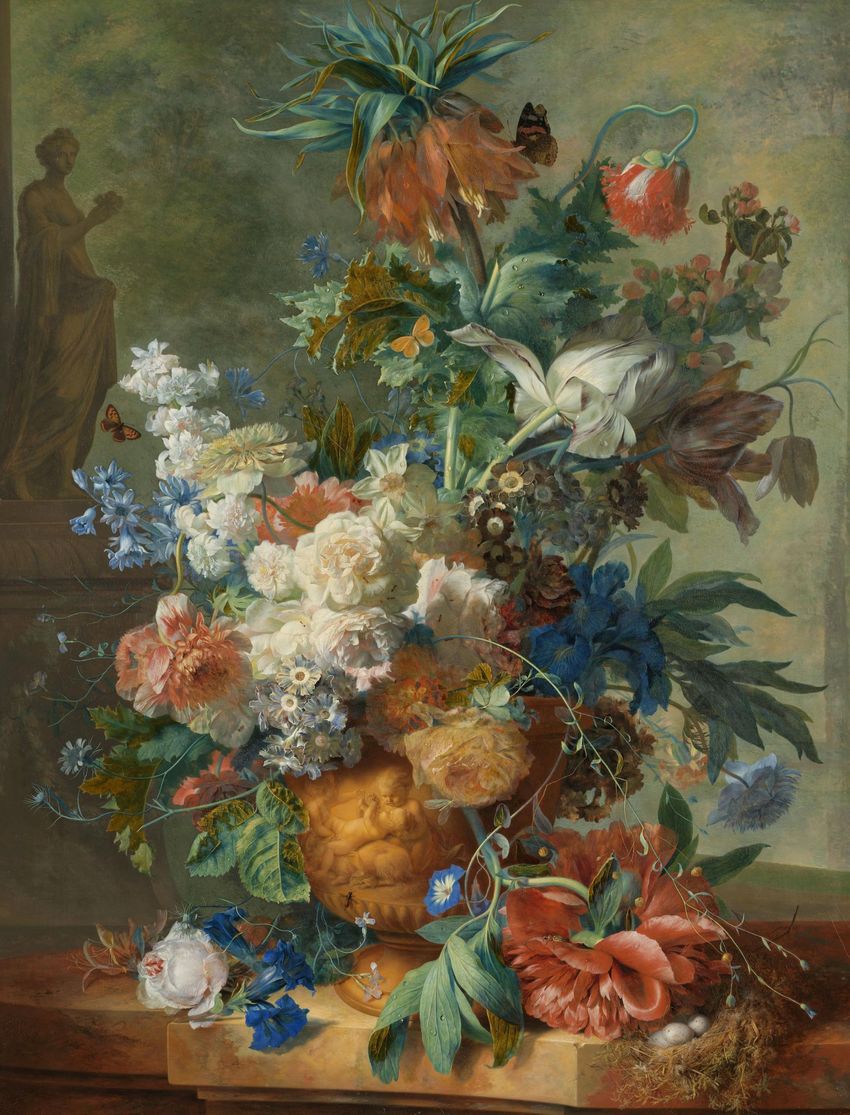
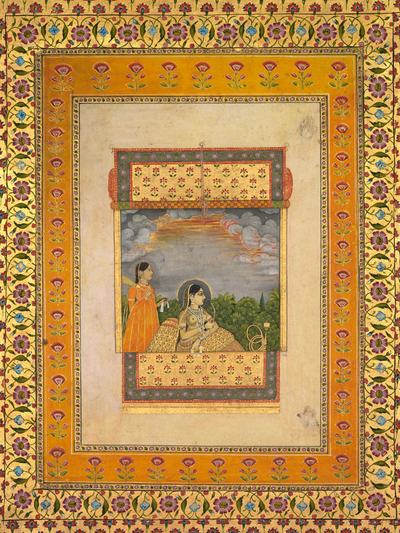
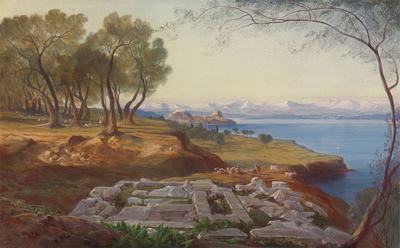
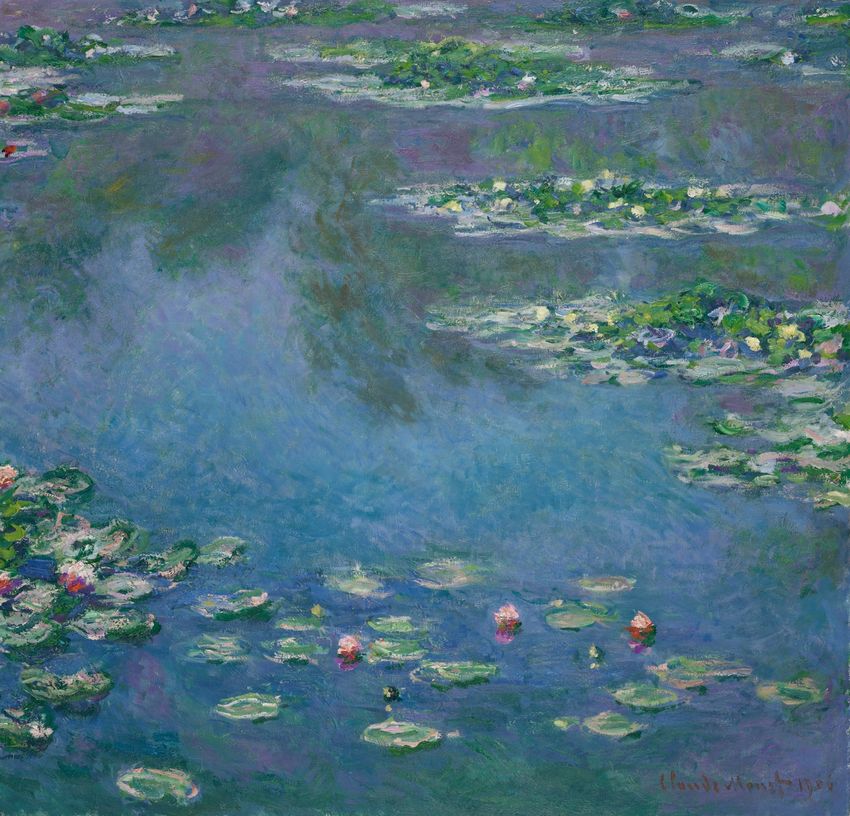
Framed, not cropped
Every painting appears whole, framed on a quiet gallery wall, just as the artist made it.
- Museum wall
- The whole painting, framed.
- Full width
- The whole painting, side to side, with no frame.
- Fill screen
- Edge to edge, when you’d rather be surrounded by it.
Switch between them anytime with one tap.
What you get
-
A new masterpiece every morning
Each day brings a different painting, chosen just for your phone. A gentle morning reminder can let you know it’s arrived.
-
Widgets
Today’s painting, with its title and artist, on your Home Screen and Lock Screen. Widgets change at midnight on their own.
-
Match your icons
Tint your app icons to the day’s colors, so the whole screen looks like it belongs to the painting.
-
Gallery Pass
Wake up to it already changed
A one-minute Shortcuts automation puts the new painting on before you pick up your phone, or the moment you stop your alarm.
-
Gallery Pass
Make it yours
Choose eras, mediums, museums or artists, as many as you like. Keep to the best-known works, and swap today’s painting when it isn’t for you.
-
Gallery Pass
Explore the collection
Browse and search all 44,000+ paintings by era, museum or artist, and line up to 30 for the days ahead.
Every era, every tradition
-
Eras and movements
- Medieval
- Renaissance
- Baroque
- Dutch Golden Age
- Rococo
- Neoclassicism
- Romanticism
- Hudson River School
- Danish Golden Age
- Realism
- Impressionism
- Post-Impressionism
- Skagen Painters
- Symbolism
-
Traditions
- Japanese ukiyo-e
- Chinese art
- Korean art
- Indian art
- Islamic art
-
Mediums
- Oil
- Watercolor
- Woodblock prints
- Tempera
- Ink
- Pastel
- Fresco
How it works
Set it up once, in about a minute. The app guides you every step of the way.
-
Make a lock screen for paintings
Follow the short guide in the app to add a photo lock screen. This is where your paintings will hang.
-
Add the Lumea shortcut
One tap adds the Lumea Paintings shortcut. Answer three quick questions, then tap Test it.
-
Wear today’s painting
Tap Wear as Background, and today’s painting goes up on your Lock Screen and Home Screen. Tap Back to normal anytime to return to your usual ones.
-
Make it automatic
Gallery PassAdd a morning automation in a few steps, and a new painting appears each day at the time you choose, or when you stop your alarm.
Free, or Gallery Pass
Everyone gets a new masterpiece every day. Gallery Pass makes it automatic and puts the whole collection in your hands.
Free
$0
Wearing today’s painting stays free.
- Your own painting every day
- Wear today’s as your background
- Widgets
- Match your icons
- Morning reminder
- Save 1 painting a week to Photos
- View the last 7 days
- A sneak peek at Explore
Gallery Pass
$2.79 a month
- Automatic morning change
- Choose your art
- Explore the collection
- Your own painting every day
- Wear today’s as your background
- Widgets
- Match your icons
- Morning reminder
- Unlimited saves to Photos
- View your full gallery and history
- Explore and search the whole collection
- Automatic morning background change
- Wear any past painting
- Swap today’s painting, 3 times a day
- Choose eras, mediums, museums and artists
- Queue up to 30 paintings for the days ahead
- Stick to mostly well-known paintings
Gallery Pass renews monthly through your Apple ID until you cancel. Cancel anytime in Settings, at least 24 hours before it renews. Price shown in US dollars; your App Store shows your local price. See the Terms of Use and Privacy Policy.
From seven great museums
Each shares its collection openly with the world, and Lumea credits the museum on every painting.
- The Metropolitan Museum of ArtNew York
- National Gallery of ArtWashington, D.C.
- RijksmuseumAmsterdam
- SMK, National Gallery of DenmarkCopenhagen
- The Art Institute of ChicagoChicago
- The Cleveland Museum of ArtCleveland
- Yale Center for British ArtNew Haven
Lumea is independent and isn’t affiliated with or endorsed by these museums.
Frequently asked questions
The art
How can I put famous paintings on my iPhone lock screen?
Lumea: Paintings & Art hangs a different masterpiece on your lock screen every day, whole and framed, from seven of the world’s great museums. Set it as your wallpaper with one tap, or subscribe to have it change automatically.
Is there an app that shows a new painting every day?
Yes. Lumea: Paintings & Art brings you a new painting each morning, chosen from more than 44,000 works, with a gentle reminder if you’d like one.
Is there an art widget for iPhone?
Yes. Lumea: Paintings & Art has Home Screen widgets in small, medium and large, plus Lock Screen widgets. Each shows today’s painting with its title and artist, and they change at midnight on their own.
Where do the paintings come from?
From seven museums that share their collections openly: The Met, the National Gallery of Art, the Rijksmuseum, SMK in Copenhagen, the Art Institute of Chicago, the Cleveland Museum of Art and the Yale Center for British Art.
Is the art free to use?
The paintings are in the public domain or released for free use by the museums that hold them. You’re welcome to use the images you save for personal use.
Will I see the same painting twice?
Not for a long time. There are enough paintings in the daily rotation for 74 years without a repeat.
Gallery Pass & settings
What does Gallery Pass include?
Your background changes on its own every morning. You can also explore and search the whole collection, queue up to 30 paintings, choose eras, mediums, museums and artists, wear any past painting, swap today’s painting up to 3 times a day, save as many as you like to Photos and see your full history. Wearing today’s painting stays free.
How much is Gallery Pass?
$2.79 a month in the US, renewing monthly until you cancel. The App Store shows the price in your currency.
Can I choose which paintings I see?
Yes, with Gallery Pass. Pick one or more eras, mediums, museums or artists, or turn on Mostly well-known paintings. You can also pick exact paintings in Explore and add them to your queue.
Is it family-friendly?
Yes. The Family-friendly setting is on by default, so paintings with nudity stay hidden and are never chosen as your daily painting.
Does everyone get the same painting?
No. Each phone gets its own painting every day.
Does it work offline?
Today’s painting stays on your phone once it’s downloaded, so you can enjoy it offline. The automatic morning change needs an internet connection.
Which iPhones does it work on?
Any iPhone with iOS 17 or later.